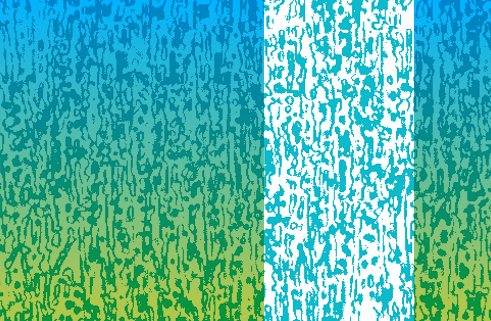
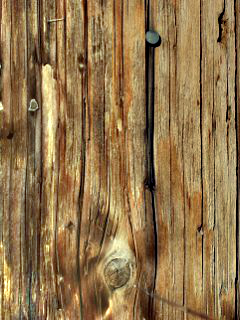
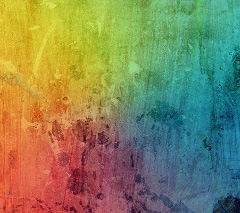
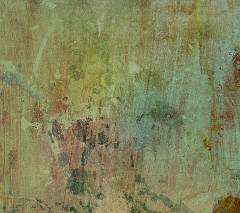
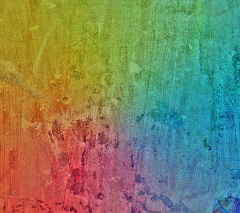
Many textures used for 3D art start from photographs. Ideally, such textures should be uniformly lit so that the texture does not interfere with the lighting applied by the 3D software. Often, lighting artefacts must be removed by hand. This can be tedious and time consuming.
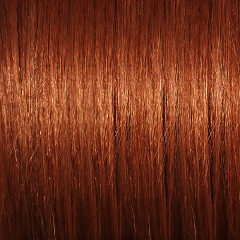
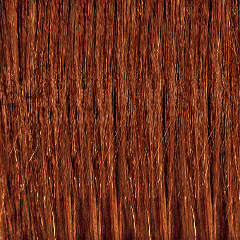
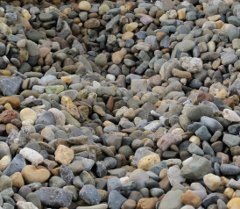
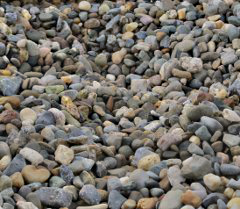
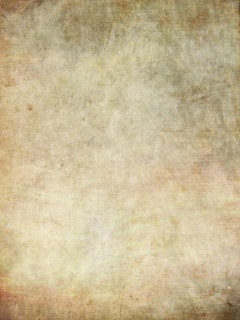
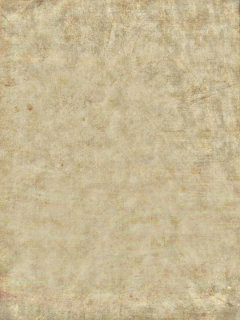
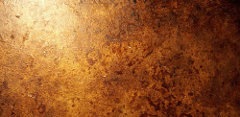
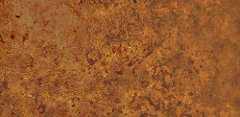
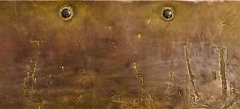
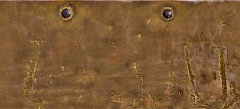
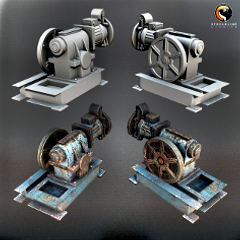
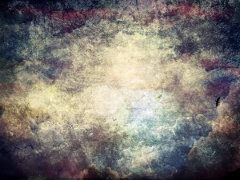
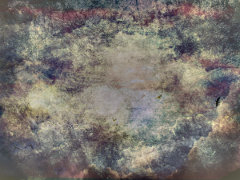
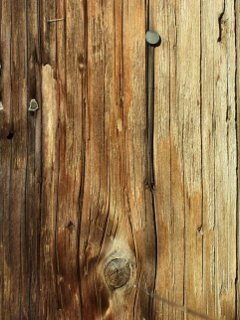
The tool provided here aims to automate this process. It is still in an experimental phase, so it is very crude. Below you can see some of the before and after pictures.
I will say more about how these work in a later post.
If you want to give it a try, go here to download (caveats: command-line only; Windows only; requires ImageMagick.)
 |
 |
 |
 |
 |
 |
 |
 |
 |
 |
 |
 |
 |
 |
 |
 |
 |
 |
|
 |
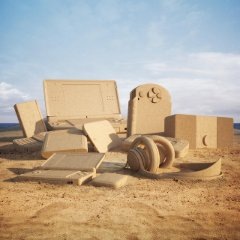 |
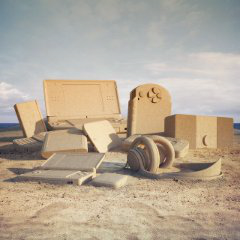 |
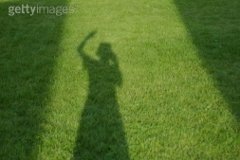 |
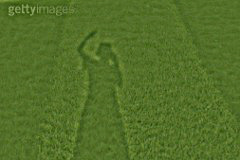 |
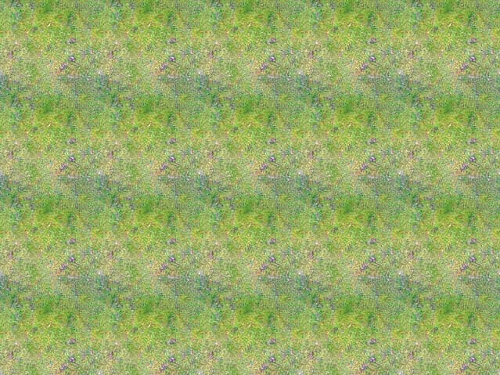
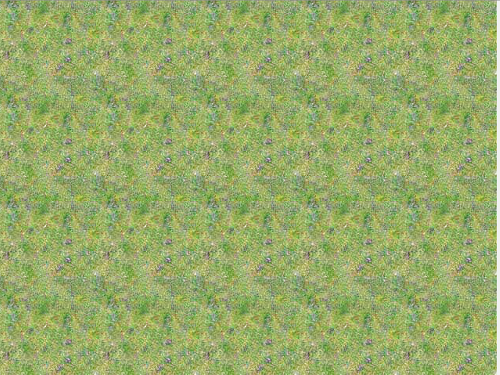
The tool can also improve artefacts in tileable textures:
BEFORE (distracting horizontal striping)
AFTER (reduced striping)

Comments