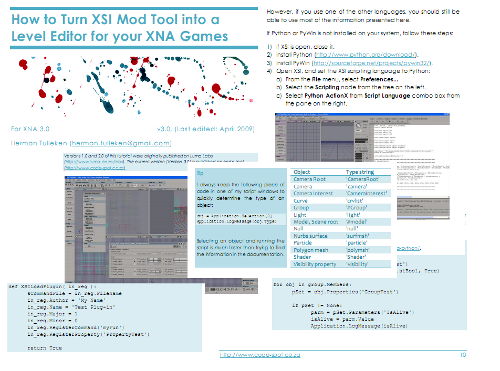
Last year I wrote a tutorial explaining how to use XSI Mod Tool as a level editor, specifically for XNA. Below is the same tutorial, updated for XNA 3.0. There are only a few minor changes:
- You need not copy compiled assets from the batch file as before.
- A section is included that describes how to use the content pipeline classes for easy reading of XML files (useful for level files, etc.).
I also corrected quite a few typos.
Link
The article Integrating Your XNA Engine With XSI ModTool is very relevant to this tutorial. Among other things, it explains how to make XNA shaders work in XSI.
Download
PDF Tutorial
How to Turn XSI Mod Tool into a Level Editor for your XNA Games v3.pdf (463 KB)
Example
(XSI Plug-in and C# code. Includes the tutorial PDF)



Do you have one for XSI Mod Tool 7.5?
@Eric Not specifically, but most of it should work for 7.5 as well, as far as I know. (If it does not, let me know and I’ll have a look).
Lovely article – one of the best things I’ve recently read, and by far the most useful. That helped me a lot. I would like to share with you a great service to merge some files online. BTW, if anyone needs to merge PDF/PNG files online, I found a service here
http://goo.gl/PDnMkb